XI Wiki


What kind of Filter is that?Originally Posted by Null

(yes, yes, take a picture joke <insert> here.....)
- Navigation
Results 501 to 520 of 525
-
2013-07-27 00:27 #501D. Ring

- Join Date
- Jul 2011
- Posts
- 4,777
- BG Level
- 7
- FFXI Server
- Lakshmi

-
2013-07-27 01:28 #502They call me Lord Null for a reason.
- Join Date
- Aug 2008
- Posts
- 5,933
- BG Level
- 8
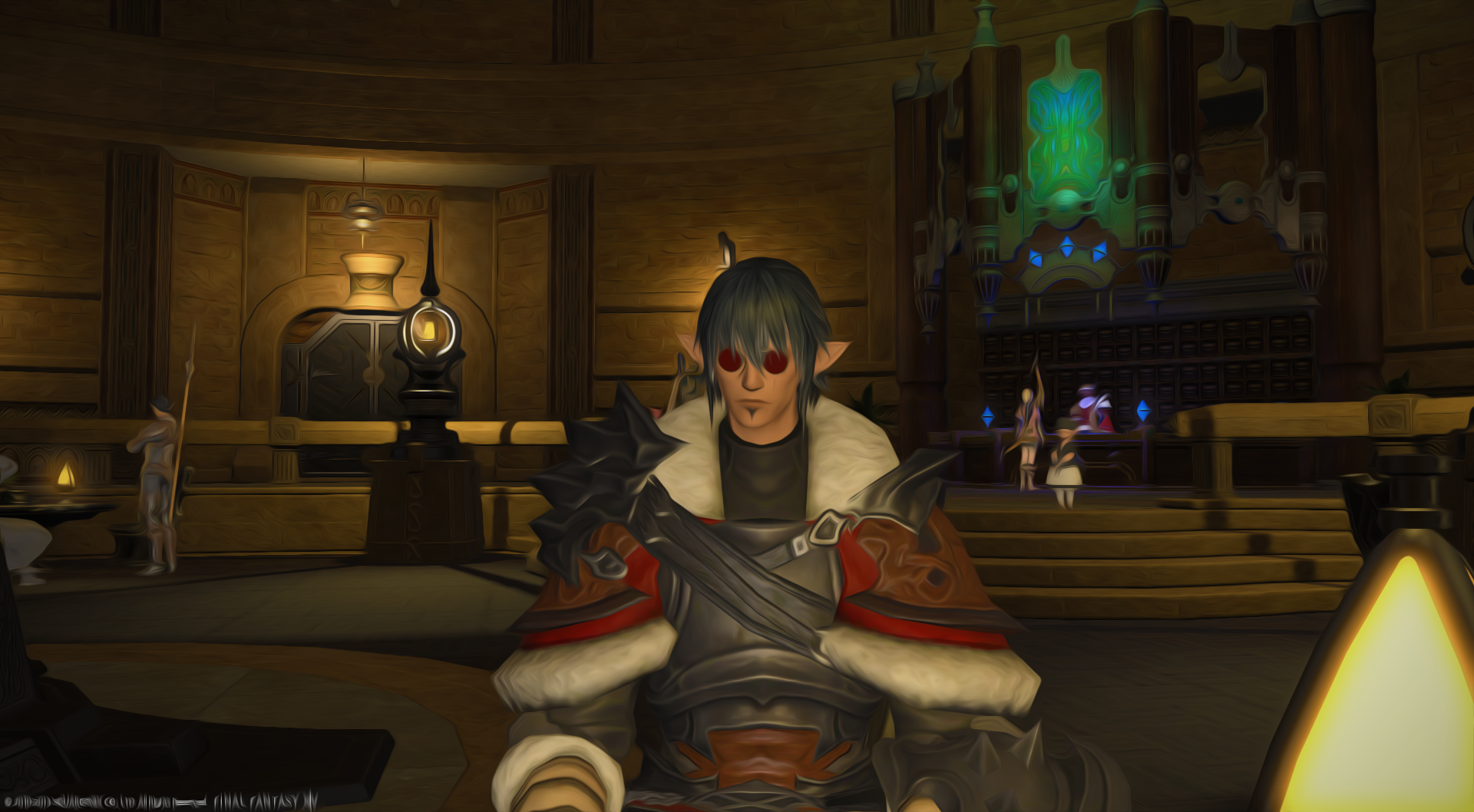
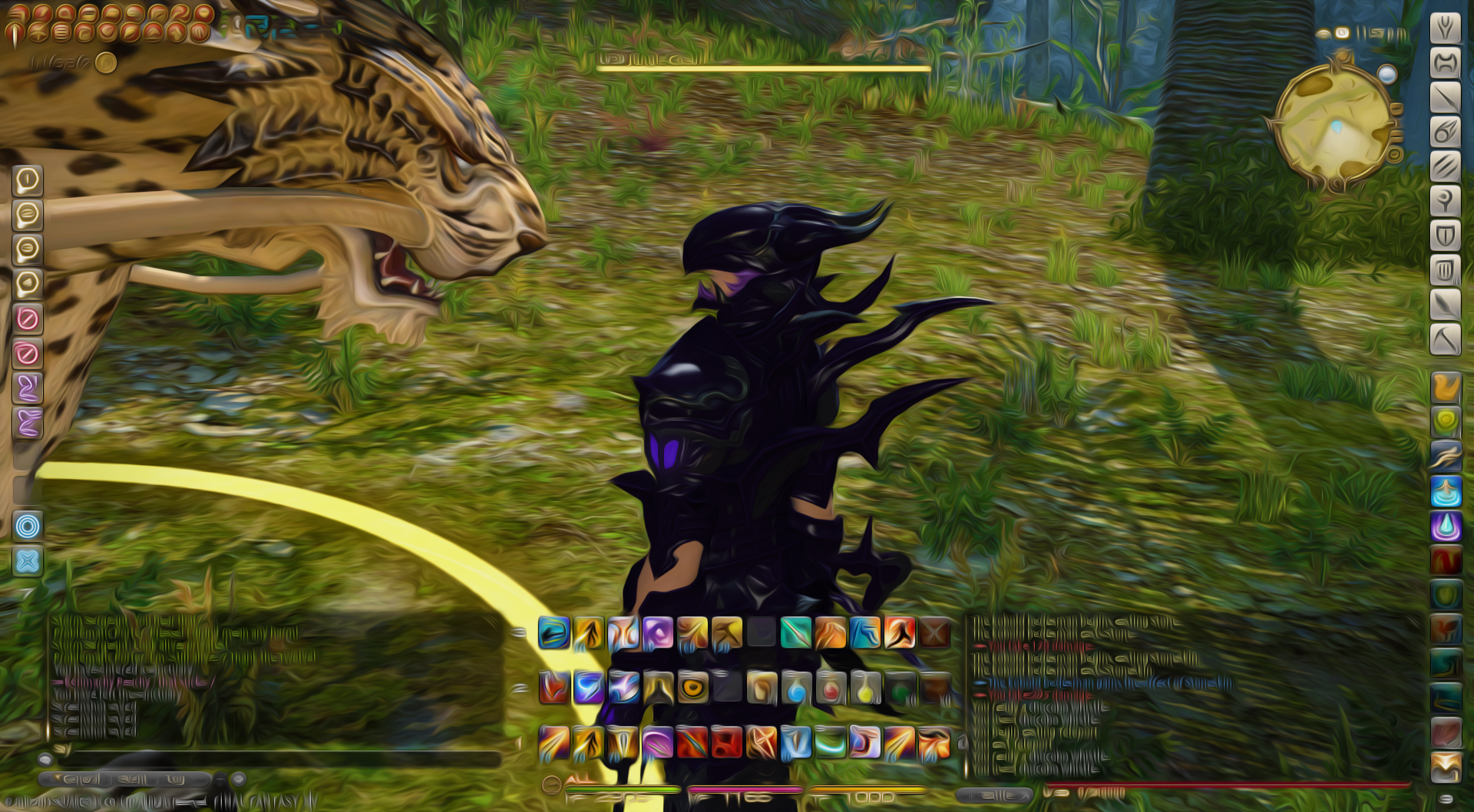
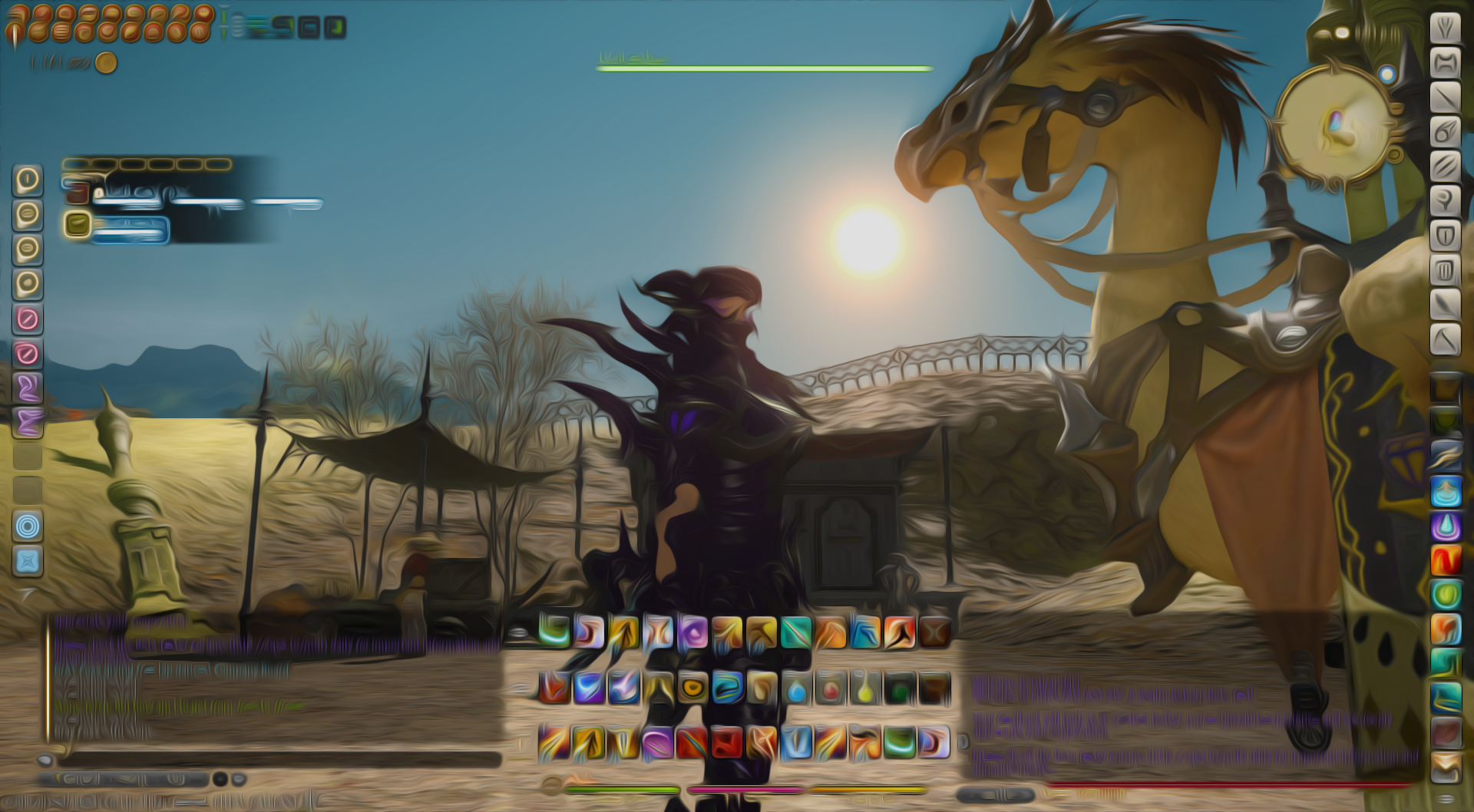
Turorial on PS CS6
1. Open your screenshot through PS CS6
2. Go to Image > Adjustments > Vibrance
3. Change The Vibrance to 100
4. Go to Filter > Oil Paint
5. Change Shine to 0
Can't take credit for the idea. Got it off OF.
http://forum.square-enix.com/ARR-Tes...!-Post-it-Here!
-
2013-07-27 06:36 #503Black Belt
- Join Date
- Nov 2006
- Posts
- 5,703
- BG Level
- 8
- FFXIV Character
- Adajer Vonte
- FFXIV Server
- Gilgamesh
- FFXI Server
- Asura
- WoW Realm
- Tichondrius


There is an entire thread of those pics on the OF in General forum.
-
2013-07-27 06:43 #504EL - Airship Pirate
Airship Captain of the House of Weave
- Join Date
- Jan 2010
- Posts
- 492
- BG Level
- 4
- FFXIV Character
- Aero Ashwind
- FFXIV Server
- Gilgamesh
- FFXI Server
- Asura

Looking at the text in those pics makes me feel like i just ate a bag of mushrooms lol
-
2013-07-27 13:59 #505I Am, Who I Am.
- Join Date
- Nov 2005
- Posts
- 15,657
- BG Level
- 9
- FFXIV Character
- Trixi Sephyuyx
- FFXIV Server
- Excalibur
- FFXI Server
- Ragnarok
People like that style? It is terrible.
-
2013-07-27 14:20 #506filthy liars!
- Join Date
- Jan 2006
- Posts
- 1,116
- BG Level
- 6
- FFXIV Character
- Deuce Angaar
- FFXIV Server
- Balmung
- FFXI Server
- Diabolos
I have to agree that those images look terrible in that style.
-
2013-07-27 14:24 #507the whitest knight u' know
- Join Date
- May 2006
- Posts
- 15,485
- BG Level
- 9
- FFXIV Character
- Miya Kai
- FFXIV Server
- Excalibur
Almost as terribad as Plastic Wrap.
-
2013-07-27 14:31 #508EL - Airship Pirate
Airship Captain of the House of Weave
- Join Date
- Jan 2010
- Posts
- 492
- BG Level
- 4
- FFXIV Character
- Aero Ashwind
- FFXIV Server
- Gilgamesh
- FFXI Server
- Asura
I'm glad I'm not the only one.
-
2013-07-27 14:51 #509Black Belt
- Join Date
- Nov 2006
- Posts
- 5,703
- BG Level
- 8
- FFXIV Character
- Adajer Vonte
- FFXIV Server
- Gilgamesh
- FFXI Server
- Asura
- WoW Realm
- Tichondrius
Those are bad examples. Turn out better w/o UI.
http://i1275.photobucket.com/albums/...psd42ec77a.jpg
http://img23.imageshack.us/img23/5082/f1yb.jpg
http://img580.imageshack.us/img580/2828/31pg.jpg
http://www.shadowflame-linkshell.de/.../oilpaint2.jpg
http://www.shadowflame-linkshell.de/.../oilpaint4.jpg

-
2013-07-27 15:43 #510Bard-turned-Miner
- Join Date
- Aug 2005
- Posts
- 2,642
- BG Level
- 7
God, the Ifrit ones get me every time.
-
2013-07-27 16:29 #511The Once and Future Wamoura
- Join Date
- Aug 2005
- Posts
- 18,133
- BG Level
- 9
- FFXIV Character
- Rocl Montaigne
- FFXIV Server
- Excalibur
- FFXI Server
- Bahamut
- WoW Realm
- Quel'Thalas
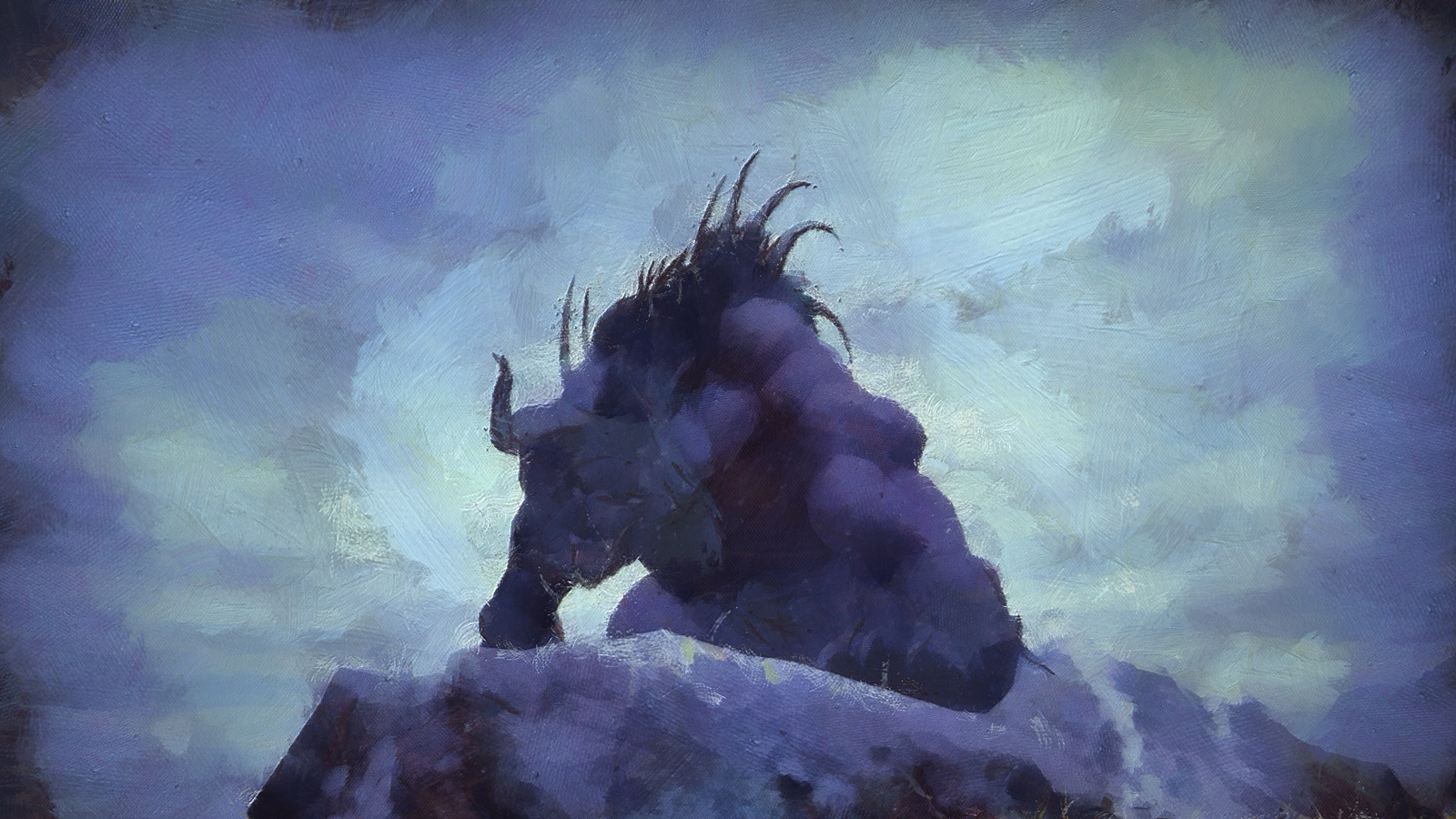
that golem looks like a retarded van gogh
-
2013-07-27 19:15 #512CoP Dynamis
- Join Date
- Jul 2006
- Posts
- 249
- BG Level
- 4
Originally Posted by Rocl

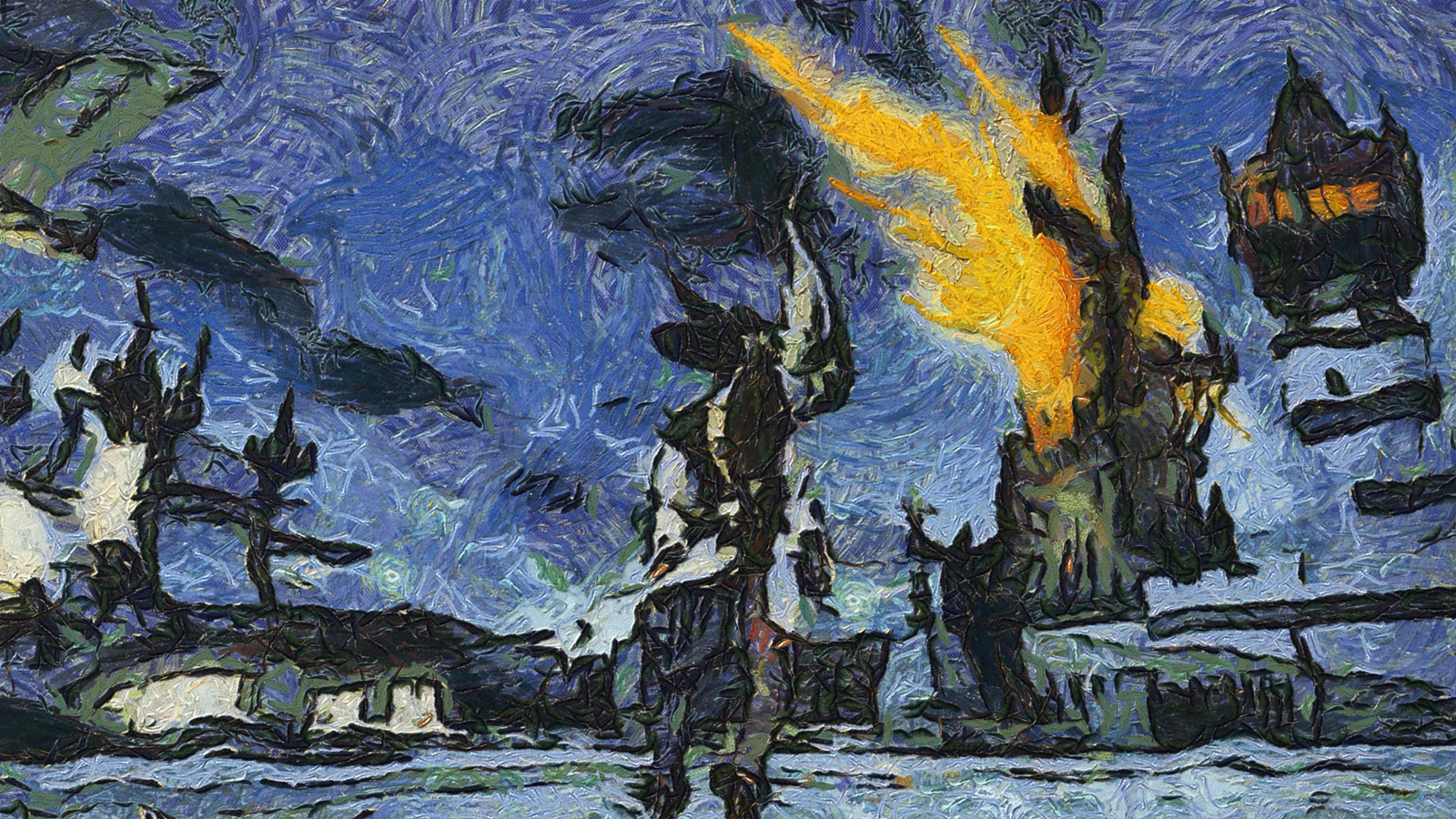
Related, kinda, but less retarded.
-
2013-07-27 19:21 #513The Once and Future Wamoura
- Join Date
- Aug 2005
- Posts
- 18,133
- BG Level
- 9
- FFXIV Character
- Rocl Montaigne
- FFXIV Server
- Excalibur
- FFXI Server
- Bahamut
- WoW Realm
- Quel'Thalas
A++
-
2013-07-27 19:34 #514CoP Dynamis
- Join Date
- Jul 2006
- Posts
- 249
- BG Level
- 4
-
2013-07-27 22:49 #515BG is my LJ
- Join Date
- Apr 2005
- Posts
- 4,222
- BG Level
- 7
- FFXIV Character
- Lovely Nirokun
- FFXIV Server
- Excalibur
^Is that real? It looks awesome. I love the visible brush strokes and texture.
-
2013-07-27 23:07 #516the whitest knight u' know
- Join Date
- May 2006
- Posts
- 15,485
- BG Level
- 9
- FFXIV Character
- Miya Kai
- FFXIV Server
- Excalibur
It's a "digital painting."
-
2013-07-28 01:13 #517CoP Dynamis
- Join Date
- Jul 2006
- Posts
- 249
- BG Level
- 4
Did a person paint it? No. The computers are alive and they can actually paint without shitty photoshop filters. RUN!
Theoretically it could be "real" if you printed it on canvas. It does support 32mp or so output, which could cover a decent canvas.
-
2013-07-28 06:53 #518EL - Airship Pirate
Airship Captain of the House of Weave
- Join Date
- Jan 2010
- Posts
- 492
- BG Level
- 4
- FFXIV Character
- Aero Ashwind
- FFXIV Server
- Gilgamesh
- FFXI Server
- Asura
Yeah, that is a lot better. I't doesn't look like someone vomited rainbow colors onto my screen and they prophesized the coming of Ifrit.
-
2013-07-28 11:49 #519New Merits
- Join Date
- Apr 2010
- Posts
- 209
- BG Level
- 4
- FFXIV Character
- Detozi Deis
- FFXIV Server
- Gilgamesh
- FFXI Server
- Quetzalcoatl
Yeah those filters are pretty cool I guess but check out these amazing effects I achieved using Paint.

-
2013-07-28 14:04 #520EL - Airship Pirate
Airship Captain of the House of Weave
- Join Date
- Jan 2010
- Posts
- 492
- BG Level
- 4
- FFXIV Character
- Aero Ashwind
- FFXIV Server
- Gilgamesh
- FFXI Server
- Asura
I think you invented a new form of bloom... Originally Posted by YukonWildAss