XI Wiki

So I just got a new Gigabyte 7950 and went to OC it a bit using MSI afterburner. Using Kombustor to measure temps and stability. I got the core from 900mhz > 1ghz and decided to run the FFXIV benchmark (I'm excited and everyone was doing it!). Test came back with a 5300 score so I went to OC more. Got stabilty issues at 1050 so I dropped it down little by little and settled on 1000 for now. Went to bump up the memory clock on it as well and went to I think 1400 with no stability issues so I decided to try FF14 benchmark again and noticed it was running worse than before (averaged around 80fps the first time and 60 the second). So I dropped memory clock back down to stock (core still 1ghz) and ran the 14 benchmark again and ended up with a 3900 score. Am I doing something wrong or did I mess up something?
Also something to note is during most of my kombustor tests I was hitting 79 fps and for some reason now I'm hitting 133. I thought I may have changed a kombustor setting... but don't see anything I could have changed.
Edit: Also worth mentioning is I also installed a new CPU cooler as I planned to OC the CPU later. But it wasn't messed with during the OC process.
And full system specs are
i7-930 @ 2.8
6gb RAM
7950 (new)
Asrock 58x extreme
Edit 2: Seems kombustor had around 6 processes running in the background (after I closed it) completely maxing out my CPU lol. Problem solved... for now!
- Navigation
Results 1 to 20 of 28
Thread: Overclocking halp.


-
2012-11-26 19:15 #1Salvage Bans

- Join Date
- Sep 2008
- Posts
- 955
- BG Level
- 5
- FFXI Server
- Ragnarok

Overclocking halp.
-
2012-11-26 19:42 #2Salvage Bans
- Join Date
- Sep 2008
- Posts
- 955
- BG Level
- 5
- FFXI Server
- Ragnarok
On another note. I see people talking about upping core volts mV to increase clock speeds. However within MSI afterburner I am unable to increase that, only other thing I can increase is power limit %. Is that tied into mV or something completely seperate?
-
2012-11-26 20:33 #3Melee Summoner
- Join Date
- Aug 2005
- Posts
- 25
- BG Level
- 1
Did you unlock voltage control in settings? I believe it's unchecked by default with Afterburner. Shouldn't have an issue upping mV after that just be careful with it.
-
2012-11-26 21:05 #4Salvage Bans
- Join Date
- Sep 2008
- Posts
- 955
- BG Level
- 5
- FFXI Server
- Ragnarok
Oho that seems to be it. And I know, all guides state to increase very little like .025 at a time
-
2012-11-27 01:53 #5Onto plan B...
- Join Date
- Aug 2008
- Posts
- 913
- BG Level
- 5
- FFXI Server
- Sylph
I wouldn't mess with the voltage if this is your first go round. The power % should give you enough head room if you slide it all the way up to +20%. Power is directly tied to current and voltage. I'm using a 7970 here and can boost the core clock from 925 to 1150 with just the power % increase.
-
2012-11-27 03:17 #6Salvage Bans
- Join Date
- Sep 2008
- Posts
- 955
- BG Level
- 5
- FFXI Server
- Ragnarok
So should I start at +20% or start low (test it like I did with the core? Move up small and wait til it crashes?)
-
2012-11-27 03:43 #7Onto plan B...
- Join Date
- Aug 2008
- Posts
- 913
- BG Level
- 5
- FFXI Server
- Sylph
Honestly, the card should be able to handle the +20% power increase and (at least in my case) is covered in the warranty. It's there to provide you a safer way of overclocking your card without modifying a voltage and allows the card to either up the voltage or current to provide the power it needs to support the clock. As for my overclocking: I shot mine up 10% at first, messed with it there, and then went to 20%. Never even batted an eye for my card.
-
2012-11-27 03:52 #8Salvage Bans
- Join Date
- Sep 2008
- Posts
- 955
- BG Level
- 5
- FFXI Server
- Ragnarok
Also have a question, hopefully you play GW2 as it pertains to that. Jumped up from a 5870 and was hoping to see a moderate increase, however a little underwhelmed. On the beta 12.11 driver atm and in lions arch I sit at 20-30 fps, 40-60 in pve... which seems a bit low. Kinda assuming my i7 @ 2.8 is holding me back some
-
2012-11-27 06:45 #9Old Merits
- Join Date
- Dec 2007
- Posts
- 1,232
- BG Level
- 6

Shouldn't need kombuster anyway (never used it myself), MSI AB has built in monitoring and other programs work as tests. That said FFXIV is probably a crappy benchmark, if you want a pure GPU only one download Unigine Heaven for stability/temperature/benchmarking.
On GW2 have you tried install CCC Profiles (same page as drivers on amd site)? They occasionally help with single GPU performance and I remember hearing about loads of problems with FPS when it first came out. That or trying lowering some settings, there might be one causing a lot of lag.
-
2012-11-27 12:43 #10Onto plan B...
- Join Date
- Aug 2008
- Posts
- 913
- BG Level
- 5
- FFXI Server
- Sylph
I do play GW2. In a PVE setting with a few things happening, I hover around 80-90. In lion's arch I sit around 30-40. Pretty sure I'm on 12.11 beta also. Been a while since I've been able to play so this may be off by a hair. And the profiles do seem to help a bit like Jojimbo was saying. I have a i5 3570k at 4.6 so I think my GPU is the bottleneck there.
-
2012-11-27 13:45 #11Salvage Bans
- Join Date
- Sep 2008
- Posts
- 955
- BG Level
- 5
- FFXI Server
- Ragnarok
Just woke up gonna try the profiles. I thought I had it stable with the little overclock I did 900 mhz > 1ghz and 1250 > 1300. Played GW2 last night for quite some time and it crashed me once or twice after about 3-4 hours... video display just stopped responding but recovered itself so I never had to reboot or reopen the game. Didn't expect it to crash with such a little increase. And lol I only did the 14 benchmark cause I am excited for ARR.
-
2012-11-27 14:20 #12Old Merits
- Join Date
- Dec 2007
- Posts
- 1,232
- BG Level
- 6
Strange, what's the stock voltage according to MSI AB? I'm able to run one of my 7950s at 1050~/1600MHz with no vcore increase (1100 mV) and the other at at least 1000/1500 without issue so would have thought 1000/1300 would be stable.
-
2012-11-27 15:36 #13Salvage Bans
- Join Date
- Sep 2008
- Posts
- 955
- BG Level
- 5
- FFXI Server
- Ragnarok
Stock voltage is at 1093. Also just started playing kingdoms of amalur and noticed artifacts while playing it, not very often but they pop up every now and again. May have noticed some stuff in GW2 but it was very little so I figured it was textures tweaking. Hitman absolution didn't show any artifacts
Edit: Kingdom of amalur artifacts were after I took the clocks down to stock btw.
-
2012-11-27 16:49 #14Old Merits
- Join Date
- Dec 2007
- Posts
- 1,232
- BG Level
- 6
When you have time, try running Unigine at max settings for an hour or two at stock settings to see if there are any artefacts or crashes.
-
2012-11-27 21:40 #15Onto plan B...
- Join Date
- Aug 2008
- Posts
- 913
- BG Level
- 5
- FFXI Server
- Sylph
Definitely run Unigine. Also, if your clocks are at stock and you're getting artifacts, the card is probably a dud.
-
2012-11-27 23:10 #16Salvage Bans
- Join Date
- Sep 2008
- Posts
- 955
- BG Level
- 5
- FFXI Server
- Ragnarok
Just got home from work so I haven't had a chance to run Unigine. I assume ANY artifacts are bad, when playing kingdoms of amalur there were a few here a few there (lines shooting out from mountains) but it didn't happen very often (a few every 20-30 mins or so), but like I said I assume any at all are bad for the card?
-
2012-11-28 03:10 #17Salvage Bans
- Join Date
- Sep 2008
- Posts
- 955
- BG Level
- 5
- FFXI Server
- Ragnarok
Well I ran it for around 4 hours while I played blops 2 and would watch it occasionally and didn't notice anything jumping out. A few things, very small things, twitching from time to time (like a corner of a brick). Aside from that no crashes as far as I know...
-
2012-11-28 21:15 #18Salvage Bans
- Join Date
- Sep 2008
- Posts
- 955
- BG Level
- 5
- FFXI Server
- Ragnarok
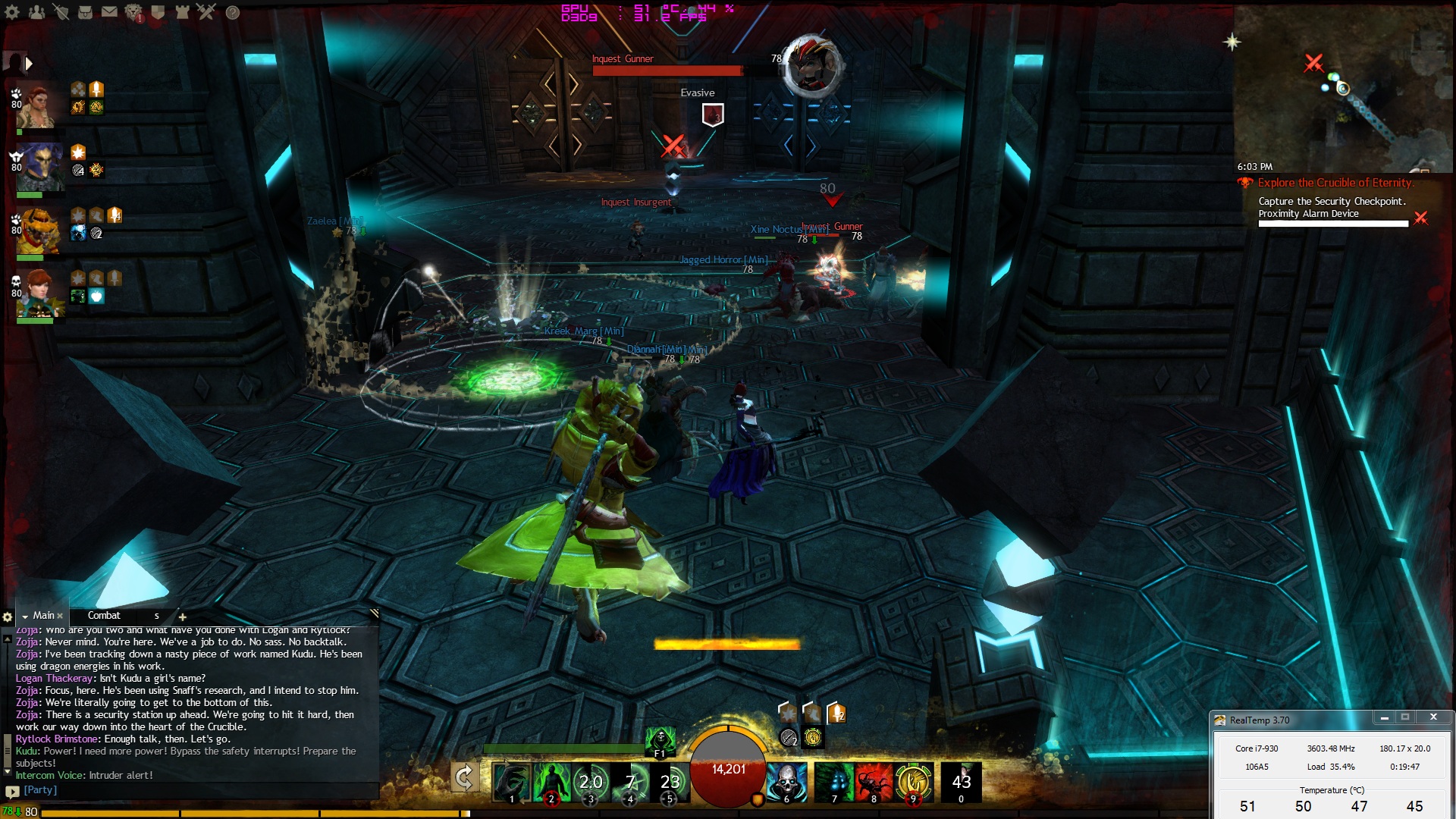
Bumped up my CPU to 3.6 and launched GW2 hoping to see some more increase. While I did go from 20-30 fps to 30-40 in LA I just started COE. Averaging 30 fps. Both CPU and GPU are hovering at 40% usage. GFs who has an i5 @ 3.5 and 570 is getting around 40 fps in COE, which makes me wonder why mine is so low
Spoiler: show
-
2012-11-29 23:06 #19Salvage Bans
- Join Date
- Sep 2008
- Posts
- 955
- BG Level
- 5
- FFXI Server
- Ragnarok
Hmm seems using power % and anything past 1ghz on the core causes crashes, I read people getting 1.1 on stock and up to 1300 with voltage increases... Like I said before didn't see any artifacts in Unigine but did in some games (@stock), should I go ahead with an RMA?
-
2012-11-30 03:04 #20Old Merits
- Join Date
- Dec 2007
- Posts
- 1,232
- BG Level
- 6
1.1 on stock sounds very optimistic (1000-1050Mhz is possible, maybe 1.1 on the best ever 7950s) and 1300MHz would only be possible on water; on air I don't think any 7950 has passed 1200MHz (most hitting 1150-1175MHz I think). Card I have atm does 1035/1505 (no vcore increases) but crashes in unigine if I increase either by 5MHz ;;
If it's causing artefacts in games at stock and crashing if you adjust the power % at all then I'll consider RMAing, what card/manufacturer is it?