XI Wiki


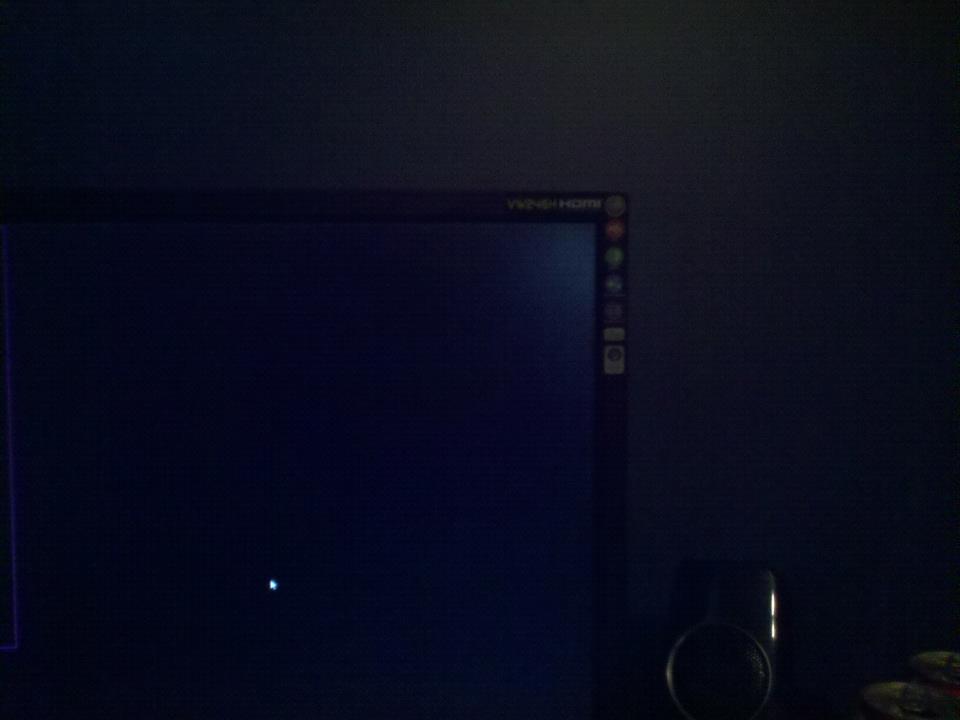
As the title says, picture in spoilers below. It's been doing it for a while, but it seems it's getting bigger/worse. The monitor is about 2 years old.
Spoiler: show
I can still see every color, but there a bunch of tiny tiny white dots that aren't dead pixels because they still display color, so I have no idea what this is all about.
- Navigation
Results 1 to 3 of 3
-
2012-10-17 15:14 #1Gave 5$ to bg and all I could think of was this lousy title.

-____-
- Join Date
- Jul 2008
- Posts
- 1,695
- BG Level
- 6

Fading color in corner of monitor
-
2012-10-18 03:14 #2Resident Moogle
- Join Date
- Mar 2007
- Posts
- 13,190
- BG Level
- 9
- FFXI Server
- Asura
Given it's in the corner and it's visible on a black backdrop, I'm a hazard a guess and say it's backlight bleeding.
As for how to fix it, no clue. Google isn't really giving much helpful advice either. As for the white pixels, those are called stuck pixels. Try gently rubbing your thumb over them and see if it helps any.
-
2012-10-18 12:01 #3jponry
- Join Date
- Jul 2006
- Posts
- 1,391
- BG Level
- 6
- FFXI Server
- Phoenix

There's no way to fix those. Don't dick around with opening your monitor and following guides online.
Contact the manufacturer, tell them what you are experiencing, and they will probably do a replacement for you. One of my Sony Bravias started doing this around the corners, I called Sony, explained to them what was going on and they shipped me a brand new Bravia with a shipping label to send back mine. I'm sure it varies company by company but they like to take care of things like this to keep a good reputation for warranties.